The Real State of Stardew Valley Cross Platform Play
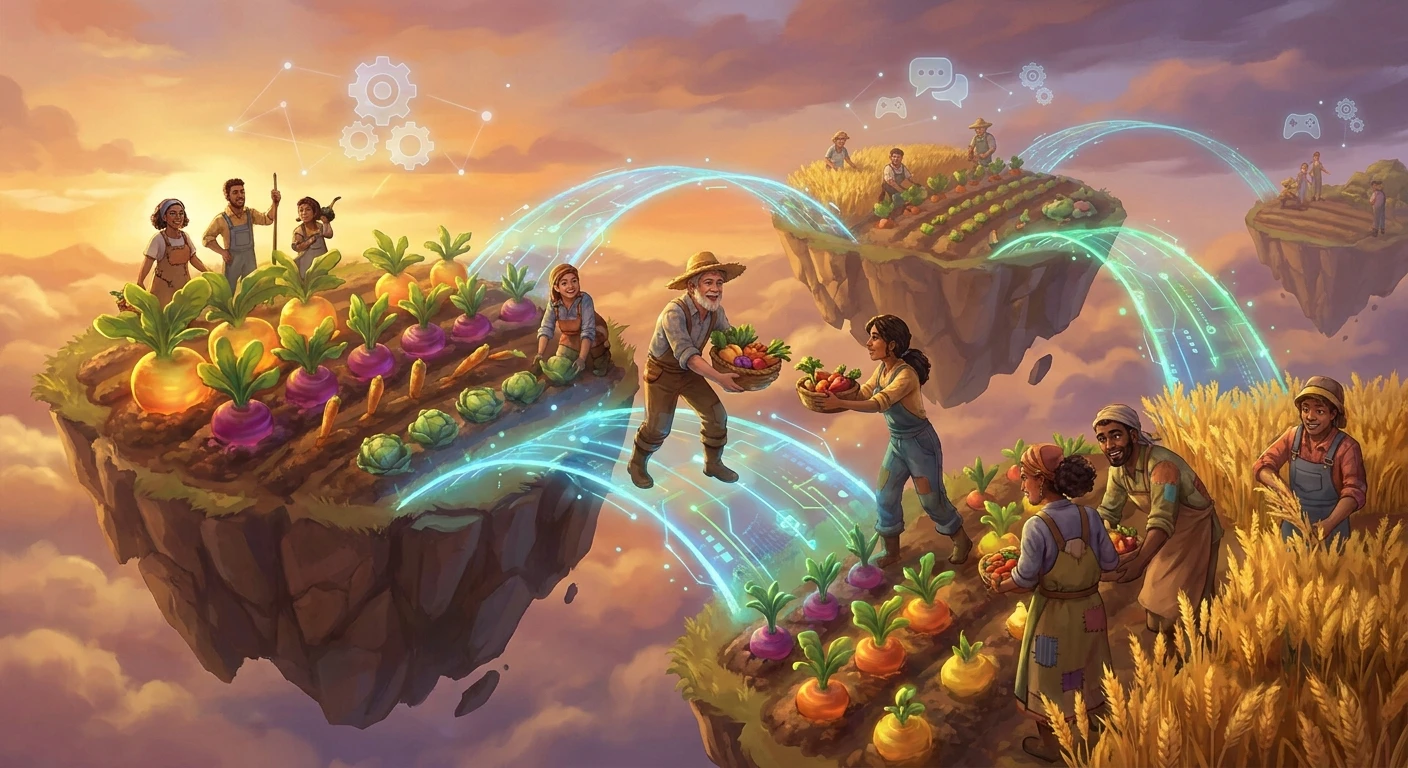
Cooperative farming has fundamentally changed how we experience cozy gaming, turning isolated agricultural routines into vibrant community projects. The exact status of Stardew Valley cross platform capabilities remains one of the most frequently asked questions among friends trying to build their virtual homesteads. While the game boasts incredible multiplayer depth, the reality of its network architecture dictates exactly who can plant parsnips together. You and your friends might be ready to tackle the Skull Cavern or organize a massive ancient fruit wine empire, but hardware boundaries still play a major role in how you connect. Rather than guessing which systems talk to each other, understanding the underlying framework saves you hours of frustrating troubleshooting. PC users, console enthusiasts, and mobile players all experience different networking ecosystems. The dream of seamless, universal connectivity across every device sounds perfect on paper, but indie game development involves strict technical realities. By examining the current networking landscape, you can make informed decisions about where to buy the game, how to host your server, and what limitations to expect when inviting players to your valley.
Why Multiplayer Connectivity Defines the Experience
Building a farm from scratch requires time, coordination, and shared goals. The primary benefit of understanding Stardew Valley cross platform limitations is preventing isolated purchases. If you buy the game on a Nintendo Switch intending to play with a friend on a Windows PC, you will be disappointed. However, within identical hardware families, the multiplayer feature offers immense replay value. The value proposition of cooperative play includes accelerated resource gathering, divided labor for maximum efficiency, and the shared joy of seasonal festivals. For example, a PC player hosting a server for a Mac user experiences flawless synchronization through Steamworks or GOG Galaxy networking. Conversely, a group of friends split between Xbox Series X and PlayStation 5 cannot connect, forcing them to select a single console ecosystem. The differences lie in closed network environments governed by platform holders.
Read also: Callum MasterChef: The Ultimate Culinary Journey Explained; What is Prime Day? The Ultimate Amazon Shopping Guide.
| Platform Family | Cross-Play Support Status | Multiplayer Architecture Type |
|---|---|---|
| PC & Mac (Windows/macOS/Linux) | Supported (Full Cross-Play between OS) | Peer-to-Peer via Steam/GOG/IP |
| Consoles (Xbox, PlayStation, Switch) | Not Supported (Cross-Gen only) | Platform-Specific Matchmaking API |
| Mobile (iOS/Android) | Not Supported (Single Player Only) | Offline Local Saves |
To fully grasp why these boundaries exist, you have to look at the three core pillars of network architecture that govern indie game connectivity:
- Server Synchronization: The game relies on a peer-to-peer connection where the host’s machine simulates the entire world, requiring identical game versions to prevent logic desynchronization.
- Update Parity: Console certification processes delay patches, meaning platforms frequently run slightly different versions of the game engine, making universal connectivity impossible.
- Console Ecosystem Rules: Sony, Microsoft, and Nintendo maintain strict, proprietary matchmaking APIs that require custom development to bridge, a monumental task for a solo developer or small porting team.
Origins of Multiplayer Farming
The journey from a solo passion project to a multiplayer phenomenon took years of meticulous coding. When Eric Barone first launched the game, it was strictly a single-player homage to classic agricultural simulators. The code was not written with network packets in mind. Every variable, from the exact timing of crop growth to the randomized movement of townspeople, was handled locally by the player’s processor. Introducing multiplayer meant essentially rewriting the core engine to support an authoritative host and connected clients. This massive undertaking required external help, leading to partnerships that fundamentally shifted the game’s trajectory.
Evolution of Platform Ports
As the game exploded in popularity, the demand for console versions skyrocketed. Porting studios were brought in to translate the PC codebase to PlayStation, Xbox, and Nintendo Switch architectures. Each of these consoles has completely different memory management systems and network environments. When the highly anticipated 1.3 multiplayer beta finally arrived, it was deployed on PC first because open platforms allow rapid iteration and hotfixes. Consoles received the multiplayer update much later, staggered according to how quickly each platform’s certification board approved the code. This staggered release schedule highlighted the difficulty of keeping all versions synchronized.
The Modern Multiplayer Architecture
Today, the game operates on a stable but segmented multiplayer architecture. While true cross-platform play between consoles and PC never materialized due to the massive technical overhead, cross-generation play thrives. An Xbox One player can seamlessly farm with an Xbox Series X user, just as a PlayStation 4 user can connect with a PlayStation 5 host. The PC ecosystem remains the most flexible, allowing direct IP connections that bypass storefront matchmaking entirely. The modern state of the game represents a compromise: flawless cooperative play within designated hardware silos, ensuring stability and performance over universal but potentially unstable connectivity.
Network Code and Peer-to-Peer Synchronization
At its core, the multiplayer relies on a deterministic lockstep model combined with peer-to-peer (P2P) networking. Instead of renting expensive dedicated servers hosted in data centers, one player’s device acts as the absolute authority. This host device calculates weather patterns, calculates combat damage, and tracks inventory for everyone. The clients send inputs to the host, and the host sends back the resulting world state. If the host’s internet connection drops, the entire farm session ends immediately. This P2P architecture requires extremely low latency. If a Nintendo Switch tried to communicate with a PC running at a different frame rate or processing speed, the synchronization packets would inevitably clash, leading to duplicated items, invisible monsters, or complete game crashes.
Console Certification Barriers
The scientific reality of game development involves dealing with Application Programming Interfaces (APIs). Steam uses Steamworks for matchmaking, Xbox uses Xbox Live compute, and PlayStation uses the PSN infrastructure. Bridging these requires a unified backend account system, which is why games like Fortnite or Rocket League mandate proprietary accounts (like an Epic Games account) to manage cross-play. Implementing a custom backend server infrastructure for a farm simulator would require constant moderation, server maintenance costs, and complex data privacy compliance.
- Tick Rate Management: The internal clock of the game must match perfectly across all connected devices to ensure crop growth happens simultaneously.
- Save File Hosting: The multiplayer farm exists only as a save file on the host machine; clients do not retain a copy of the world when they disconnect.
- Platform-Specific API Restrictions: Console manufacturers require strict adherence to their network security protocols, blocking unverified packets from outside their ecosystem.
- Version Parity Requirements: Connecting clients must run the exact same build number. PC patches are deployed instantly, while console patches take weeks to clear quality assurance testing.
Choosing the Right Host Platform
Since universal connectivity is off the table, your first step is standardizing your hardware. Gather your friends and decide which ecosystem everyone already owns or is willing to adopt. The PC version offers the most flexibility, allowing modding and easy direct IP connections. If you choose a console route, ensure everyone has the necessary premium network subscription, such as PlayStation Plus or Nintendo Switch Online, as peer-to-peer multiplayer mandates these services.
Verifying Version Parity
Before launching a farm, every player must check their game version. On consoles, navigate to the game icon, open the options menu, and select ‘check for updates’. On PC, let Steam or GOG auto-update the client. If the host is running version 1.6 and a client is somehow stuck on 1.5, the connection will be rejected instantly. Ensuring absolute version parity is the mandatory first technical step.
Building the Starting Cabins
The host must create the world and physically place cabins for the incoming farmhands. You can start a new farm with cabins pre-built through the advanced options menu, or you can add them to an existing single-player farm by visiting Robin the Carpenter. Each cabin costs minimal resources, but they must exist on the farm before a friend can join. The layout of the Four Corners map is highly recommended for cooperative sessions.
Configuring Profit Margins
Cooperative play drastically increases your earning potential because four people can water four times as many crops. To maintain a balanced challenge, the host can adjust the profit margin during farm creation. Setting the margin to 75% or 50% ensures that the economy does not break in the first season, requiring teamwork to afford major upgrades like barn expansions or the elusive vault bundles.
Distributing Farm Roles
Efficiency relies on specialization. Have one player focus entirely on farming and watering, allocating their skill points into agricultural bonuses. Assign another player to the mines to secure copper, iron, and gold for tool upgrades. A third player can manage fishing and foraging, providing a steady influx of daily cash and food for energy regeneration. This division of labor maximizes daylight hours.
Managing Shared Inventories
You must decide between a shared wallet or separate money pools. A shared wallet allows anyone to purchase seeds and upgrades, but requires immense trust and communication to avoid accidentally spending the farm’s entire savings on a decorative hat. Separate wallets force players to manage their own economies, though money can be transferred using the ledger near the shipping bin.
Backing Up Multiplayer Save Files
Because the host holds the singular save file, any hard drive failure or accidental deletion destroys the entire group’s progress. PC hosts should regularly navigate to their application data folders and create manual copies of their save files to a secure cloud drive. Console players must ensure their cloud saves are actively syncing to their respective network services after every session.
Myth: Xbox and PC players can play together
Reality: PC and console platforms remain strictly isolated from one another. While Microsoft owns both Windows and Xbox, the game’s networking does not bridge the PC storefronts with the Xbox Live console ecosystem. You must play on the exact same hardware family.
Myth: Mobile users can join PC farms
Reality: Mobile versions lack multiplayer networking entirely. The iOS and Android ports are specifically designed as solitary experiences, optimized for touch controls and quick, suspendable sessions. There is no hidden multiplayer menu on phones or tablets.
Myth: Cross-saves mean cross-play
Reality: Transferring a save file manually does not enable live cooperative play. While you can technically extract a PC save file and move it to a mobile device for single-player use, this does not allow a live network connection between the two devices.
Myth: Mods can force console cross-play
Reality: Modding APIs are limited to PC and Mac architectures. You cannot install a network-bridging mod on a Nintendo Switch or PlayStation, meaning community-created workarounds for cross-platform limitations only apply to computer-based operating systems.
Is Stardew Valley cross platform between Xbox and PS4/PS5?
No, there is absolutely no connectivity between Microsoft’s Xbox ecosystem and Sony’s PlayStation network. Players must own the same brand of console to play together.
Can PC players join Nintendo Switch farms?
No, PC players and Nintendo Switch players operate on completely separate matchmaking networks. The peer-to-peer connection cannot bridge Steamworks and Nintendo Switch Online.
Does Mac connect with Windows PC?
Yes, Mac, Windows PC, and Linux players can seamlessly play together. This is the only form of true cross-platform play available, as they all share the same PC storefront matchmaking APIs.
Will mobile ever get multiplayer features?
The developer has stated that bringing multiplayer to mobile devices poses massive technical challenges, particularly regarding connection stability on cellular networks. It is highly unlikely to ever be officially supported.
Do I need separate copies for different devices?
Yes, purchasing the game on one platform does not grant you a license for another. If you want to play on Switch and PC, you must buy a copy from both the Nintendo eShop and Steam.
How does split-screen co-op work?
Split-screen local co-op allows multiple players to share a single device and monitor. This feature is available on PC and all modern consoles, requiring multiple controllers connected to the same machine.
Can I move my PC save to a console?
While tech-savvy users can sometimes extract saves for mobile, native cloud transferring between PC and consoles is not supported. Your farm is largely locked to the ecosystem where you created it.
Final Thoughts on Cooperative Connectivity
While the absence of universal connectivity might require some logistical planning with your friends, the multiplayer experience itself remains one of the most rewarding cooperative loops in gaming history. Understanding the technical boundaries ensures you invest your time and money into the correct ecosystem. Gather your friends, confirm your platforms, and start clearing the weeds together today!